
Exchange rates move every day. Multicurrency can fetch them for you from one of five providers, on a schedule you choose.
Steps
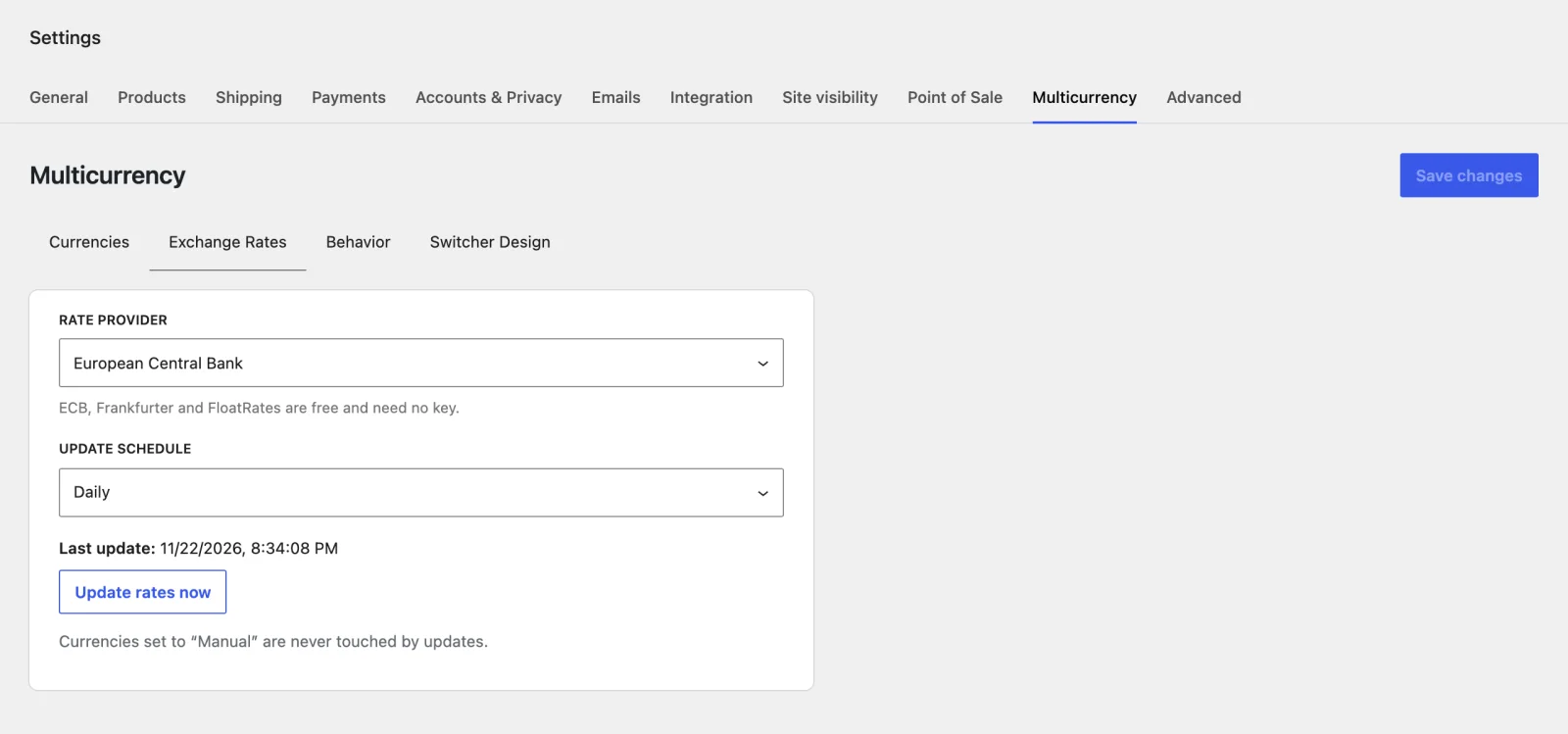
- Go to WooCommerce → Settings → Multicurrency → Exchange Rates.
- Choose a Rate provider. European Central Bank, Frankfurter and FloatRates work right away. Open Exchange Rates and Fixer ask for your own key.
- Choose an Update schedule: hourly, twice daily, daily or weekly.
- Press Update rates now to fetch the rates at once, then Save changes.
Keep one currency on a fixed rate
Open the currency on the Currencies tab and turn off Update automatically from the rate provider. Type the rate you want. Scheduled updates skip this currency from now on.
If a currency ever has no usable rate, its prices are shown in your base currency until the rate is back. A price is never converted to zero.