
Not every payment gateway accepts every currency. A customer who picks a gateway that cannot take theirs gets an error at the worst moment. Limiting gateways per currency prevents it.
Steps
- On the Currencies tab, click the currency to open its settings.
- Scroll to Payment methods. Your enabled gateways are listed.
- Tick the gateways to offer for this currency.
- Press Done, then Save changes.
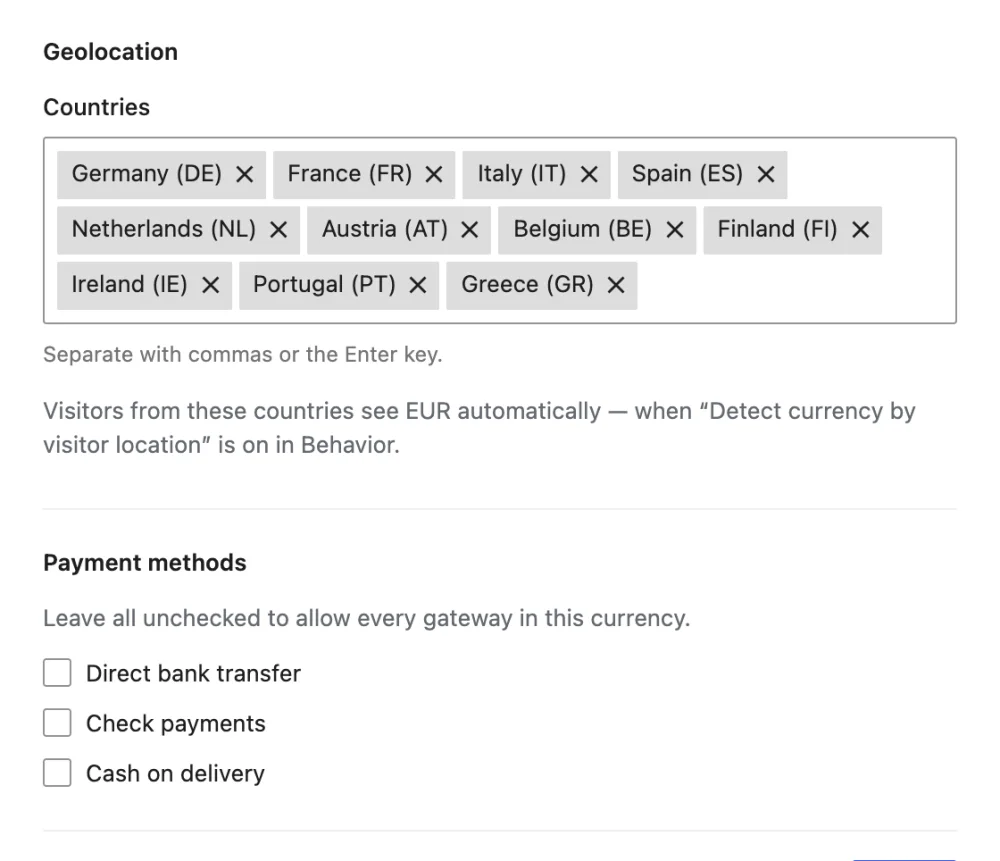
Leave every box unticked to allow all gateways in that currency.